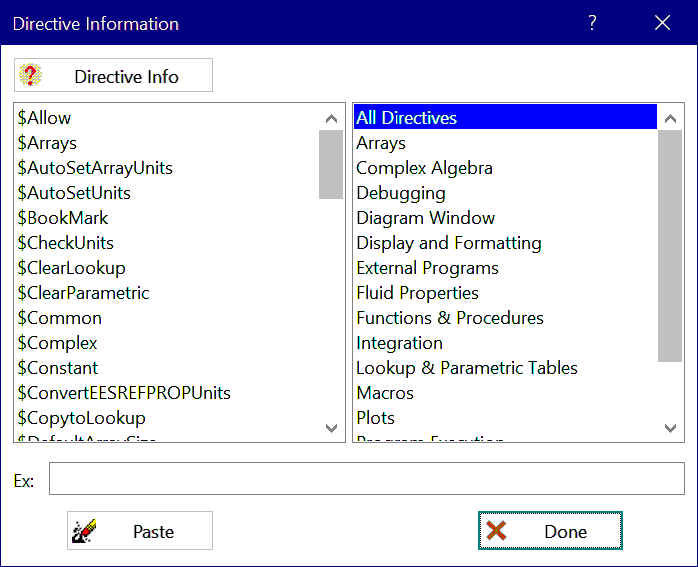
Directive Information
The Directive Information command will bring up a dialog window listing the built-in directives.
Click one of the categories in the list box on the right to downselect the directives to those that are applicable to each category. Select the directive from the list box on the left. To select a directive, click on the directive name in the scrollable list. The Directive Info button will be enabled if descriptive or help information is available for the directive you selected. Click the button to view the information. Depending on the format of the available information, the Directive Info button may start the Windows Help program, Adobe Reader, or your browser.
An example of the selected directive will be shown in the example edit box at the bottom of the Directive Information dialog. You can edit the Example box information. If you click the Paste button, the contents of the Example box will be pasted into the Equations window at the cursor position.